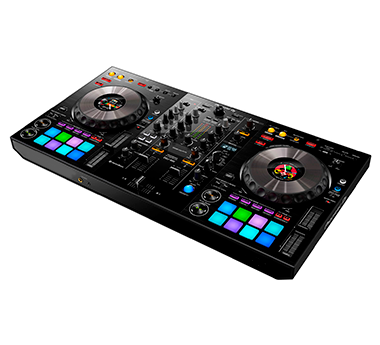
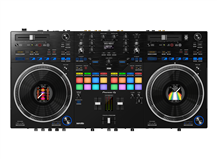
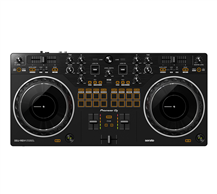
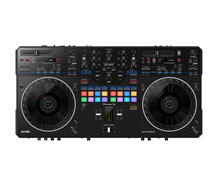
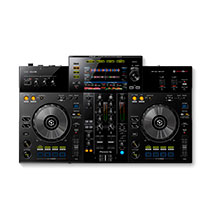
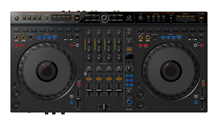
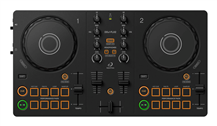
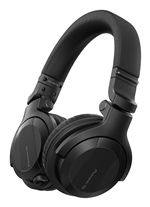
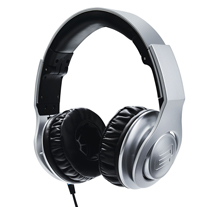
The DJControlWaveM3 controller offers a choice of three different modes: laptop, multiscreen and tablet. In laptop mode - basically the standard mode - the controller is connected to a computer or a laptop, so you can mix tracks using the included DJUCED DJ software.
Of course you can also use other DJ software packages, such as Traktor or Virtual DJ. Multiscreen mode enables you to connect the M3 to a touch screen device via Bluetooth. Download the free DJUCED app in the App Store or via Google Play, and you'll be able to create fantastic mixes using your tablet or smartphone.
Awesome loops and effects can be produced with the touch of a finger! You can even share your playlists with your friends, so they can vote for their favourite tracks. Set the Hercules DJ controller to tablet mode, and everything is controlled via its touch screen.