check_circle_outline
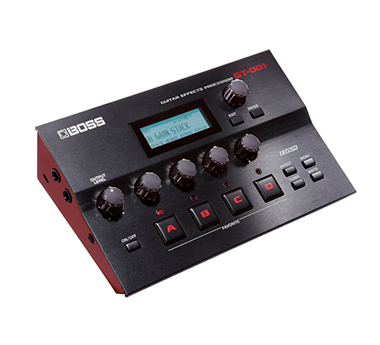
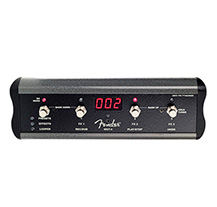
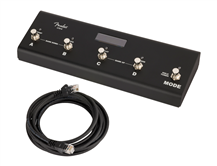
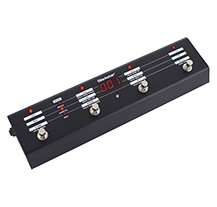
BANK UP/ DOWN SWITCH: Functions in Preset Mode; Pressing switch and releasing will bank up by 5 presets, press and hold will bank down by 5 presets
check_circle_outline
MODE/TUNER SWITCH: Pressing switch and releasing will switch between three of the modes (Looper, Effects, Presets); press and hold will switch to Tuner mode
check_circle_outline
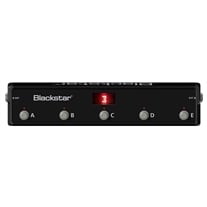
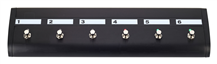
FUNCTION SWITCHES: These five numbered buttons enable selection and foot control of the different functions depending on selected mode. All functions will be activated on down-press. Tap on the currently selected preset to change the preset Tempo. The PRESETS mode LED will flash to indicate tempo
check_circle_outline
DISPLAY SCREEN: Shows preset selected, effects mode and tuner.
check_circle_outline
MODE LEDS: These three LEDs at far right indicate which of three modes is in use – Looper (Green), Effects (Amber), and Presets (Red).
check_circle_outline
FUNCTION LEDS: Series of 5 red LEDs along the top of each function switch just below the DISPLAY SCREEN that indicate various functions in use.
check_circle_outline
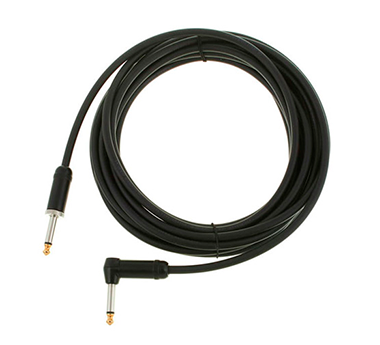
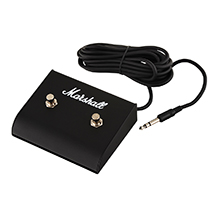
¼” Jack for TS cable connection to compatible amp